
How to Choose a Recovery App in 2026: A Practical Buyer's Guide

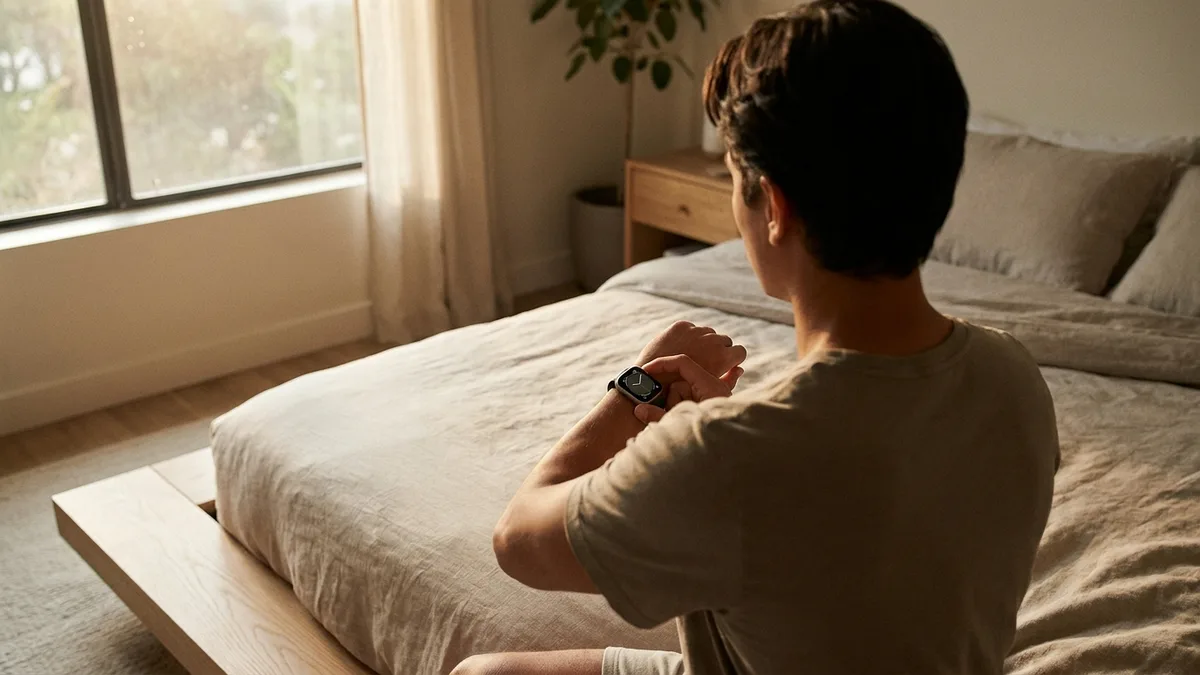
Recovery scores are everywhere now. Whoop, Oura, Garmin, Fitbit and the Apple Watch all promise to tell you whether to train hard today or take it easy. The hard part isn't finding a recovery app — it's picking the right one without buying a gadget you don't need, or signing up for a subscription you'll forget to cancel.
This guide breaks down how to choose a recovery app in 2026 around the decision criteria that actually matter — not a ranked listicle. Whether you already own an Apple Watch or you're weighing a ring against a strap, the same seven questions apply.
What a recovery (readiness) app actually does
A recovery app watches the signals your body gives off overnight and at rest, then turns them into a single number: how ready you are to take on stress today. Most blend three core inputs:
- Heart rate variability (HRV) — the tiny beat-to-beat variation in your pulse, which is a non-invasive window into your autonomic nervous system and shifts with training stress and recovery.
- Resting heart rate — a slower resting pulse generally tracks with better fitness, and a sudden jump can flag that you're under-recovered, stressed, or coming down with something.
- Sleep — duration and the time spent in deep and REM stages.
Some apps add training load, stress, skin temperature and a "body battery"-style energy gauge on top. The label on the screen changes — Recovery, Readiness, Body Battery — but the idea is the same: compare today against your own normal, and tell you which way the trend is heading.
The seven criteria that matter when you choose a recovery app
Before you commit to an ecosystem, weigh these seven things. The rest of this guide takes them one at a time:
- Where the data comes from — the sensor and where you wear it.
- Accuracy, and which metrics actually matter.
- Personal baseline — how well it calibrates to you.
- Hardware vs software — do you need to buy a device at all?
- The real cost over time — upfront vs subscription.
- Privacy — where your biometrics actually live.
- Lock-in — can you leave with your data?
1. Where your data comes from: ring, strap, or the watch you own
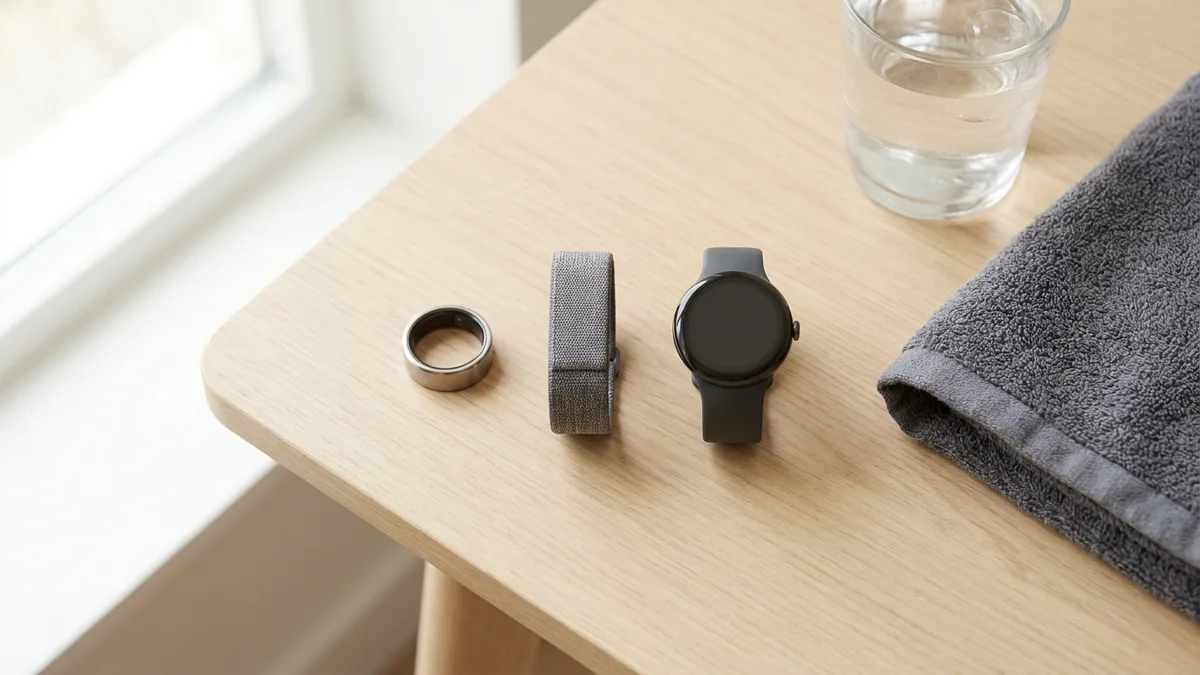
Every recovery score is only as good as the sensor feeding it. The three common form factors each have a personality:
- Smart ring (Oura) — discreet, excellent for overnight HRV and sleep, no screen, no real-time workout data.
- Screen-free strap (Whoop) — built for continuous wear and training strain, read entirely on your phone.
- Smartwatch (Apple Watch, Garmin, Fitbit) — the most sensors in one place, plus a display and full workout tracking.
The device makers gloss over this: the Apple Watch already has the optical heart rate sensor, accelerometer, and (on recent models) temperature and ECG hardware needed to produce the same recovery metrics a Whoop or Oura sells you. The gap isn't the sensor — it's that watchOS scatters those readings across several apps with no single readiness number. That's exactly the gap companion apps are built to fill.
📱 Livity turns the Apple Watch you already own into a full recovery tracker — daily readiness, Body Battery, HRV trends and sleep stages, processed privately on your iPhone. Try it free →
2. Accuracy, and the metrics that actually matter
"More accurate" is the wearable industry's favourite marketing word, so it's worth knowing what the research actually shows.
Wrist-worn optical (PPG) sensors are reliable at rest and during steady activity, but error climbs once you start moving — one analysis found measurement error during activity was about 30% higher than during rest, and a separate validation study found accuracy varies more during cycling and elliptical work than other exercise. Reassuringly, that same analysis found skin tone made no significant difference — the big drivers of error were activity type and the specific device.
The practical takeaway: recovery scores lean on resting and overnight data, which is exactly where wrist sensors are at their best. You don't need lab-grade hardware for a meaningful readiness number.
As for which metrics deserve your attention, the evidence is strongest for the basics:
- HRV falls when you're under stress — a meta-analysis confirmed the link between stress and reduced HRV — and rises with consistent training over time.
- Resting heart rate is a validated population-level biomarker of cardiorespiratory fitness.
- Deep sleep is when most physical repair happens — roughly 95% of daily growth hormone is released during deep (NREM stage 3) sleep.
A good app surfaces those clearly. If you want the fundamentals first, our guide to what HRV is and the readiness score explainer cover them in plain language.
3. Why your baseline beats a fancier sensor
A recovery score is meaningless in isolation — an HRV of 45 ms tells you nothing until the app knows your normal. That's why calibration matters more than raw sensor specs.
It also explains why consistency of measurement beats precision. HRV is strongly influenced by time of day, body position, recording length and even your breathing, so an app that samples the same way every night (typically during sleep) gives you a more trustworthy trend than a fancier device measured at random times. Ask how long an app takes to learn your baseline — usually one to two weeks — and whether it measures consistently.
4. Hardware vs software: do you need to buy a device?
This is the question that quietly decides your budget. If you already own an Apple Watch, the honest answer is usually no — you need software, not another gadget.
A dedicated ring or strap can be worth it if you want a specific form factor (a ring to sleep in, a strap with no screen) or features your watch lacks. But for most people the smartest default is to get more out of the watch already on their wrist. And the payoff is bounded: even HRV-guided training delivers only modest gains over a fixed plan, so the readiness number itself isn't worth a few hundred euros of new hardware when the watch you own can produce it.
5. The real cost over one to three years
Sticker prices hide the real number. Most recovery platforms charge on an ongoing basis, so model the cost over the time you'll actually use it (all figures approximate, as of 2026):
| Option | Upfront | Ongoing | ~3-year cost |
|---|---|---|---|
| Whoop | $0 (band included) | ~$199–359/yr membership (required) | ~$600–1,080 |
| Oura Ring 4 | $349+ | $69.99/yr (required for insights) | ~$559+ |
| Garmin | ~$300–450 watch | $0 required (Connect is free) | ~$300–450 |
| Fitbit | ~$100–160 tracker | ~$80–100/yr Premium (optional) | ~$100–460 |
| Apple Watch + app | watch you may already own | $0 free apps; low-cost premium optional | $0 extra if you own one |
With Whoop, the membership is the product — cancel and the band stops working. Oura locks most insights behind a subscription too. By contrast, an Apple Watch app can give you the same daily readiness, HRV and sleep tracking for free on hardware you already bought. If you're cross-shopping specific products, our Whoop alternatives and Oura Ring alternatives breakdowns go deeper on this.
6. Privacy: where your biometrics actually live
Recovery data is some of the most intimate data you generate — your sleep, your stress, your heart, every night. Almost no buying guide mentions it, but it's a real criterion: does the app process your data on your device, or upload it to a company's cloud?
Subscription platforms generally sync your biometrics to their servers, which is also what gives them leverage to keep charging you. An on-device app keeps the data on your phone, with no account and nothing to export to a third party. If you ever want to switch apps, on-device and Apple Health-based tools also avoid the lock-in of a proprietary cloud. (We go deeper in health data privacy on fitness trackers.)
How to choose a recovery app for your goal
Put it together and the decision usually falls into one of a few buckets:
- You already own an Apple Watch → get a companion recovery app. No new hardware, lowest cost, and you keep your data on-device.
- You want the most discreet sleep tracker → a ring like Oura, if you're fine paying the subscription.
- You're an endurance athlete who wants battery life and depth → a Garmin watch, no subscription required for the core metrics.
- You want continuous strain coaching and don't mind a membership → Whoop.
For a hands-on comparison of specific apps against these criteria, Health App Insider's roundup of recovery and readiness apps is a useful place to start.
Frequently asked questions
What should I look for when choosing a recovery app? Start with where the data comes from (the sensor and where you wear it), then weigh accuracy, how well it calibrates to your baseline, whether you need new hardware, the cost over a year or two, and where your data is stored.
Do I need a Whoop or Oura, or can an app use my Apple Watch? If you own an Apple Watch, you generally don't need extra hardware. The watch already captures HRV, resting heart rate and sleep — a companion app turns those into a single recovery score.
Which metrics actually matter? HRV, resting heart rate and deep sleep carry the most evidence for recovery. Training load and stress are useful extras, but the core three do most of the work.
How accurate are watch-based recovery apps? Accurate enough for the job. Wrist sensors are most reliable at rest and overnight — exactly the data recovery scores rely on — though accuracy drops during intense, motion-heavy exercise.
Are free recovery apps as good as paid ones like Whoop? For the core metrics, often yes. The biggest difference is usually the hardware and cloud subscription, not the quality of the daily readiness number itself.
How long before the score is useful? Most apps need one to two weeks to learn your personal baseline before the trend becomes meaningful.
The bottom line
Choosing a recovery app comes down to one honest question: do you actually need new hardware, or do you just need better software for the watch on your wrist? The sensors have largely converged — what separates the options now is cost, privacy and how well an app turns raw signals into something you'll act on.
For most people who already own an Apple Watch, the answer is the cheapest and most private one: skip the ring and the strap, and get an app that makes sense of what your watch already measures.
Start tracking your recovery today
The data you need to judge your recovery is probably already on your wrist — it just needs an app to bring it together.
Livity turns your Apple Watch into a full recovery and readiness tracker — daily recovery score, Body Battery, HRV trends and sleep stages — all processed privately on your iPhone. No Oura Ring, no Whoop strap, no extra hardware. Free to try on the App Store.
Sources
- Cardiac Autonomic Responses during Exercise and Post-exercise Recovery Using Heart Rate Variability and Systolic Time Intervals—A Review — Frontiers in Physiology, 2017
- Stress and Heart Rate Variability: A Meta-Analysis and Review of the Literature — Psychiatry Investigation, 2018
- From pillow to podium: a review on understanding sleep for elite athletes — Nature and Science of Sleep, 2018
- Resting heart rate is a population-level biomarker of cardiorespiratory fitness: The Fenland Study — PLOS ONE, 2023
- Effects of Exercise Training on Heart Rate Variability in Healthy Adults: A Systematic Review and Meta-analysis of Randomized Controlled Trials — Cureus, 2024
- Heart Rate Variability-Guided Training for Enhancing Cardiac-Vagal Modulation, Aerobic Fitness, and Endurance Performance: A Methodological Systematic Review with Meta-Analysis — Int. Journal of Environmental Research and Public Health, 2021
- Accuracy of Optical Heart Rate Sensing Technology in Wearable Fitness Trackers for Young and Older Adults: Validation and Comparison Study — JMIR mHealth and uHealth, 2020
- Investigating sources of inaccuracy in wearable optical heart rate sensors — npj Digital Medicine, 2020
- Heart rate variability measurement and influencing factors: Towards the standardization of methodology — Global Cardiology Science and Practice, 2024

iOS developer with 7+ years of experience and an active volleyball player. Built Livity after spending months looking for advanced recovery and sleep tracking that worked natively with Apple Watch — and finding nothing. Uses his own HRV, sleep, and training-load data every day to shape what Livity measures.
More from this authorStart Your Wellness Journey Today
Live Your Best Life
Join thousands of users who are already tracking their health with Livity.