
Back to changelogs
v4.7.0
Livity v4.7.0 — Training Readiness & Rest Hours
New Features
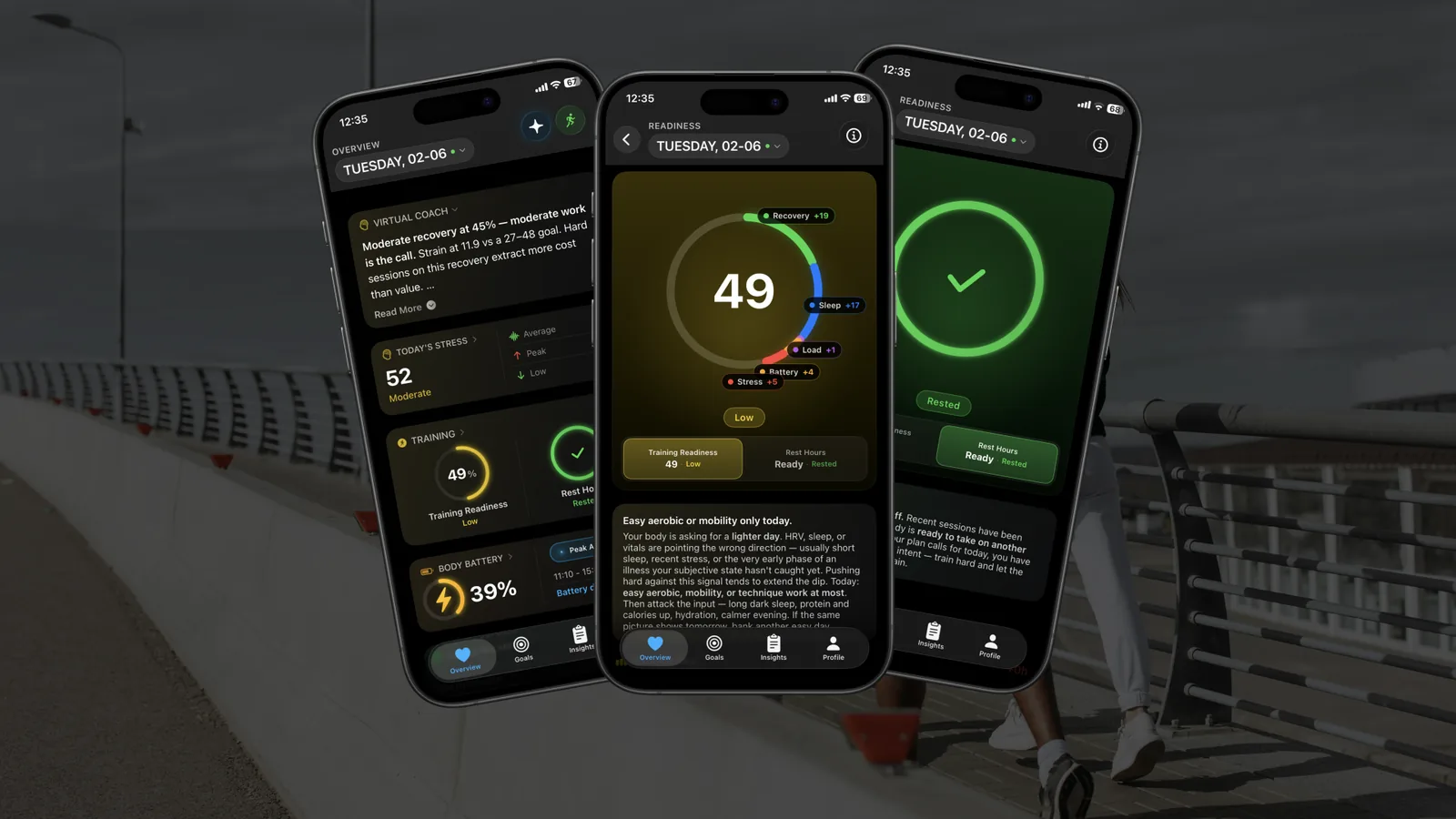
- Training Readiness — Livity now reads your recovery, sleep, and recent strain to tell you exactly how primed your body is to train, so you know whether to push hard or ease off before you start
- Rest Hours — Tracks the restorative downtime your body banks through the day and shows the moment you've recovered enough to bounce back
- Home Screen & Watch Widgets — New Training, Training Readiness, and Rest Hours widgets, plus Apple Watch Smart Stack complications that refresh in the background so your readiness is always a glance away
- Smarter AI Chat — More natural conversations, answers more relevant to your real data, and a faster, smoother experience
Improvements
- Scrub Through Your Charts — Drag across any line chart to scrub to an exact day and value
- Faster App Startup — Removed a slow morning recalculation for dramatically faster loading when you open the app
- Animated Ready State — Training Readiness and Rest Hours now celebrate with an animated checkmark the moment you're recovered
- Timezone-Aware Sleep — Sleep recommendations and reports now adjust correctly when you travel across time zones
- Redesigned Energy Balance Chart — A clearer Energy Balance Trend in nutrition tracking
Bug Fixes
- Launch Stability — Fixed several startup crashes, including ones affecting iOS 26
- More Accurate Recovery — Recovery now uses a sleep-derived resting heart rate fallback and won't show a 0 while overnight Apple Watch data is still syncing
- Sleep & Workout Accuracy — Fixed unrealistically early Sleep Coach bedtimes, overlapping sleep windows, workout max-speed, and recovery heart-rate calculations
- Fitness Age After Garmin Sync — Fitness Age now refreshes correctly after a Garmin sync
- Watch Notifications — Apple Watch now honors your phone's notification preferences instead of sending disabled alert types