
Livity v5.0 — A More Complete Health Picture
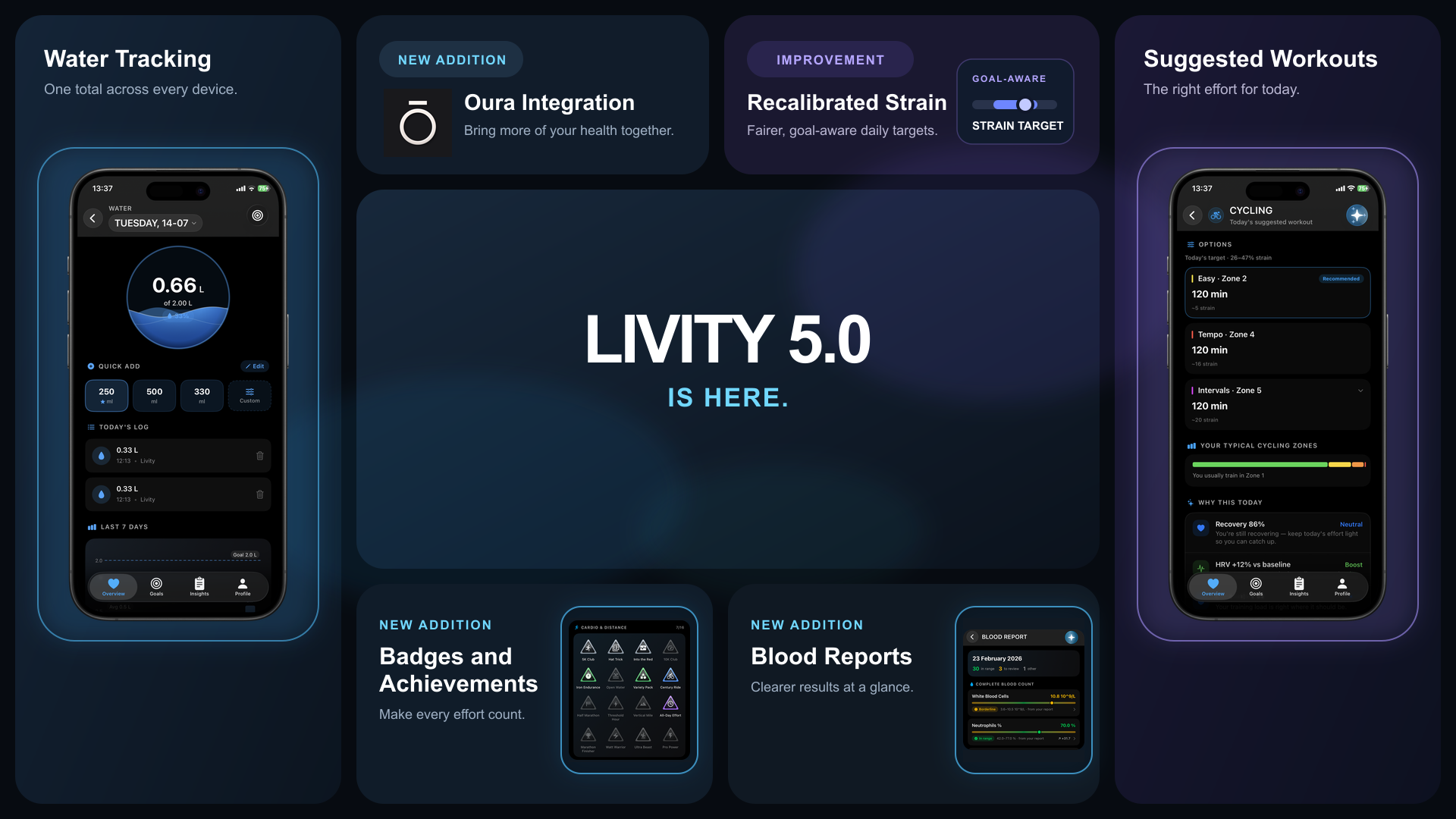
New Features
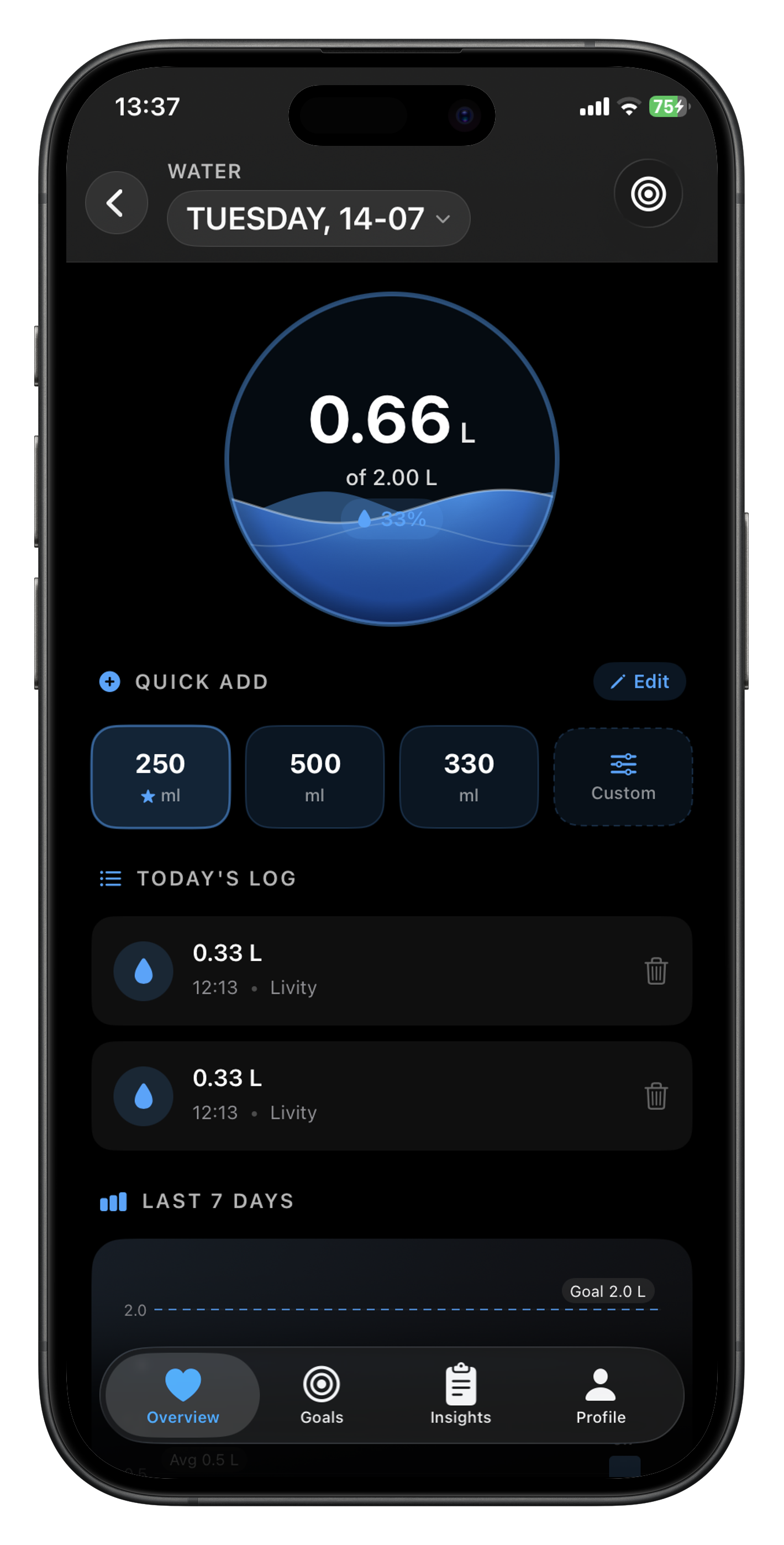
- Water Tracking — Track your daily water intake from Livity, your widgets, or Apple Watch, with one total that stays in sync everywhere.
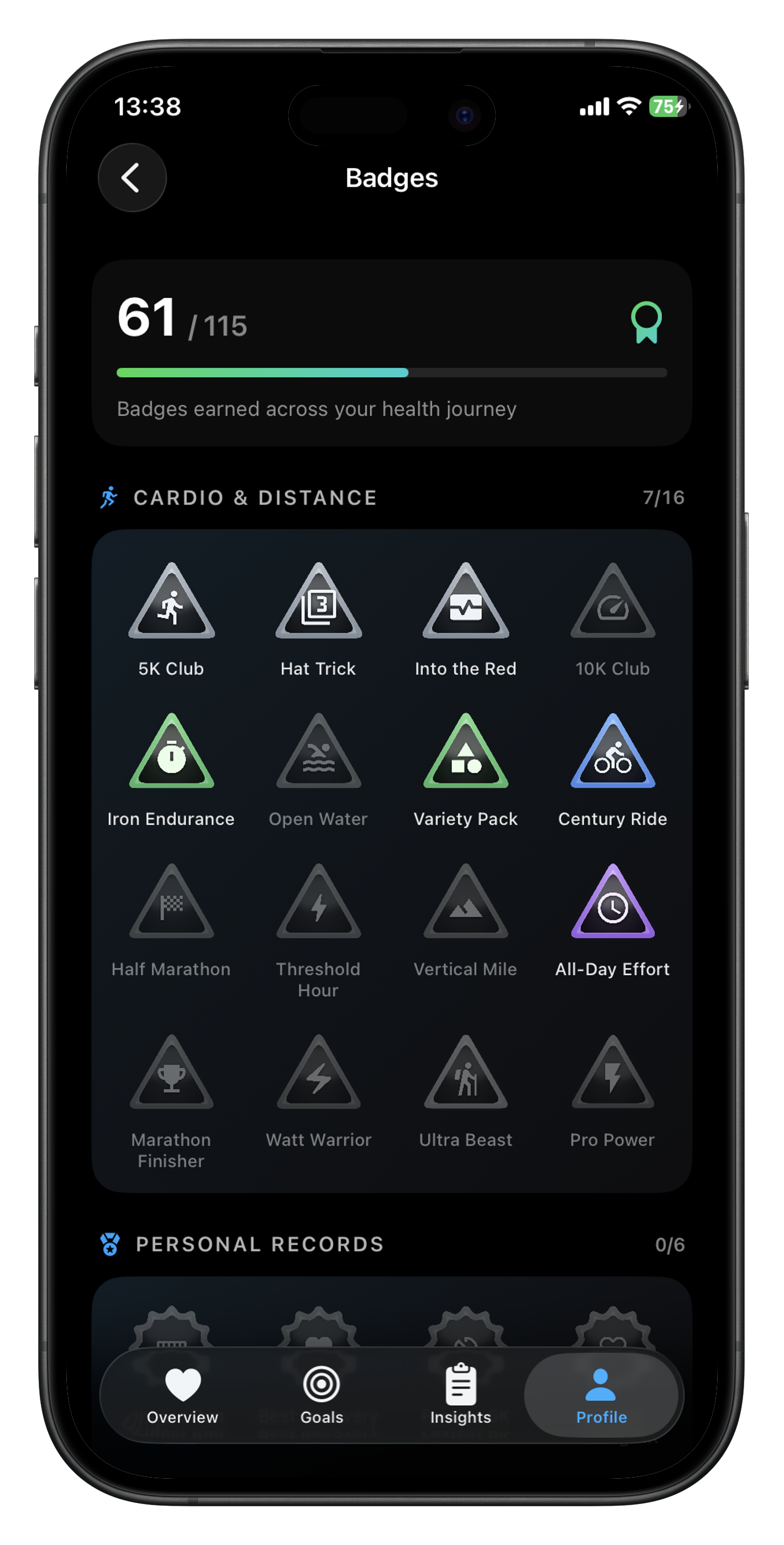
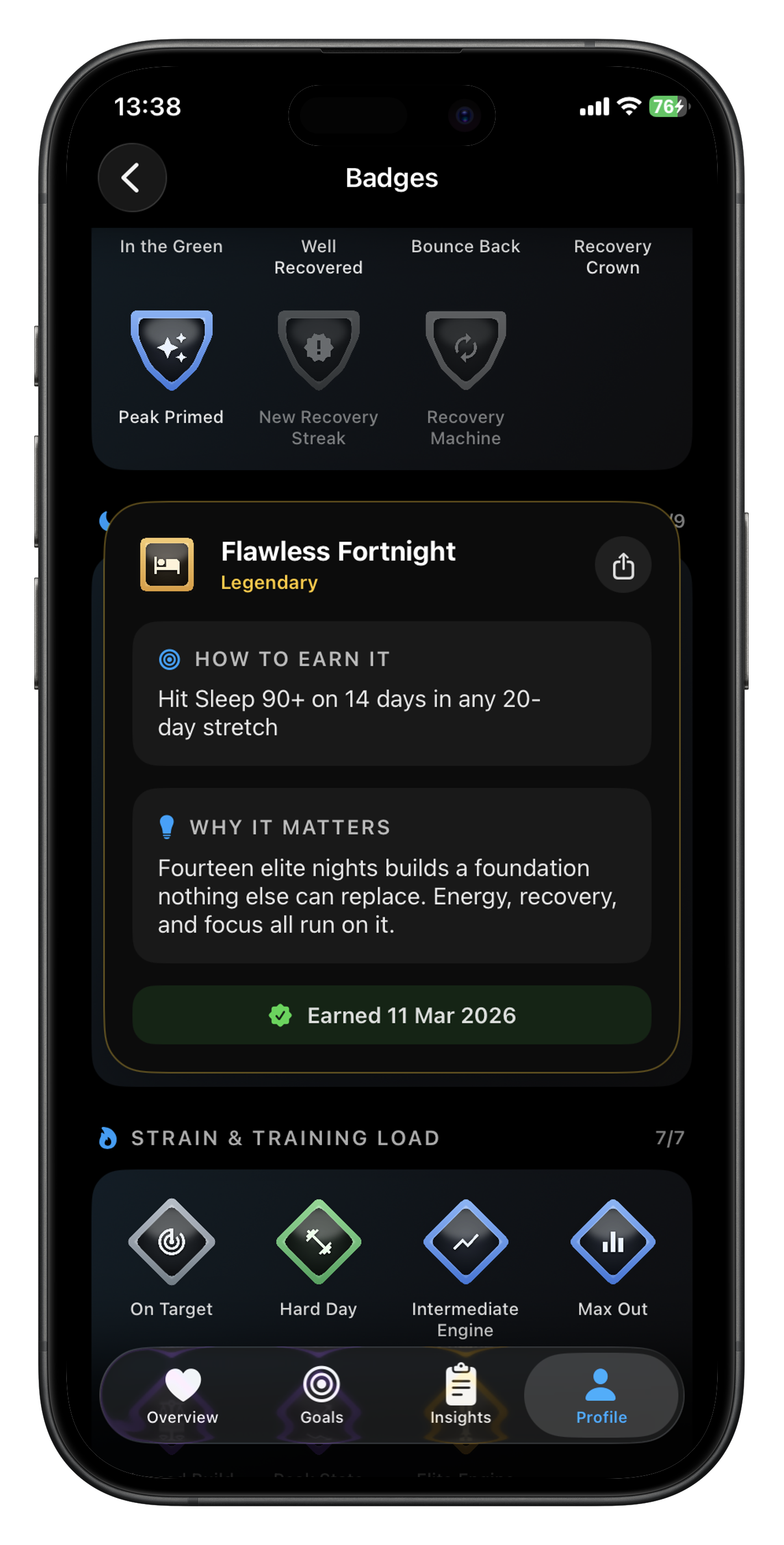
- Badges & Achievements — Earn from 112 achievements across your health journey, revisit earned badges, and see exactly what to aim for next.
Oura Integration — Connect Oura alongside your other wearables to bring more of your sleep and recovery data into Livity.
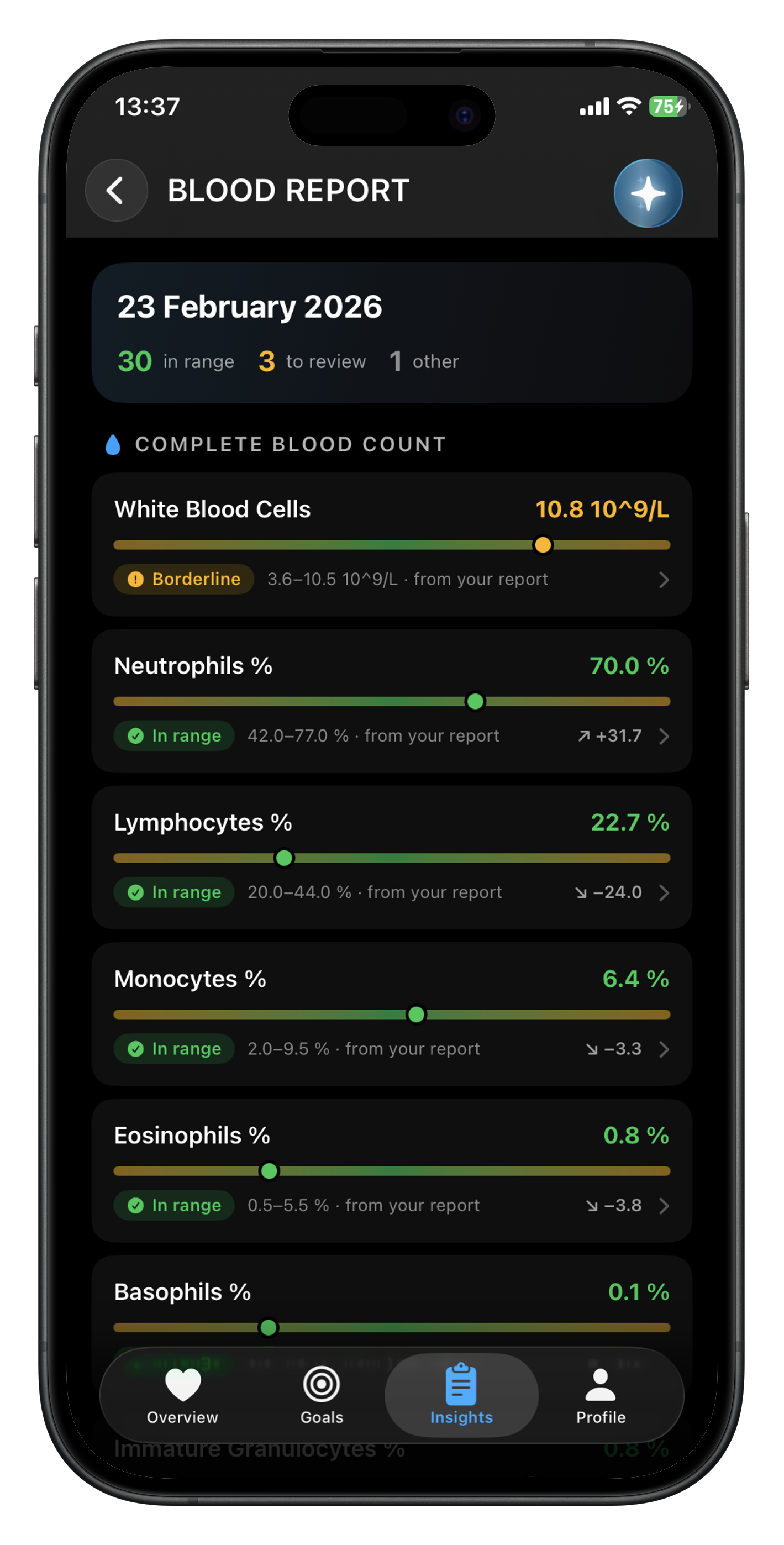
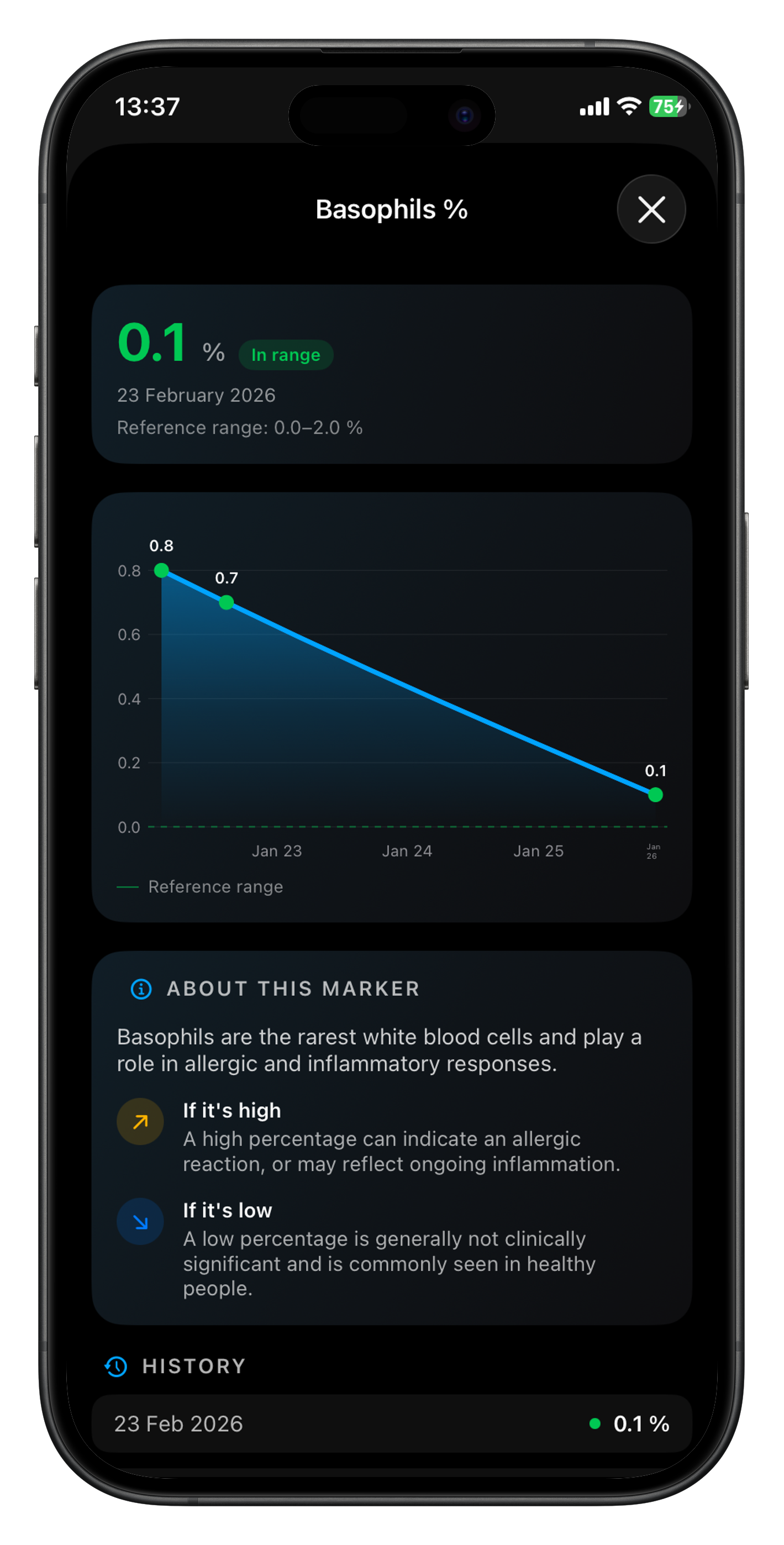
Blood Reports — Scan or add blood-test results to see your markers at a glance, follow their history, and better understand each result.
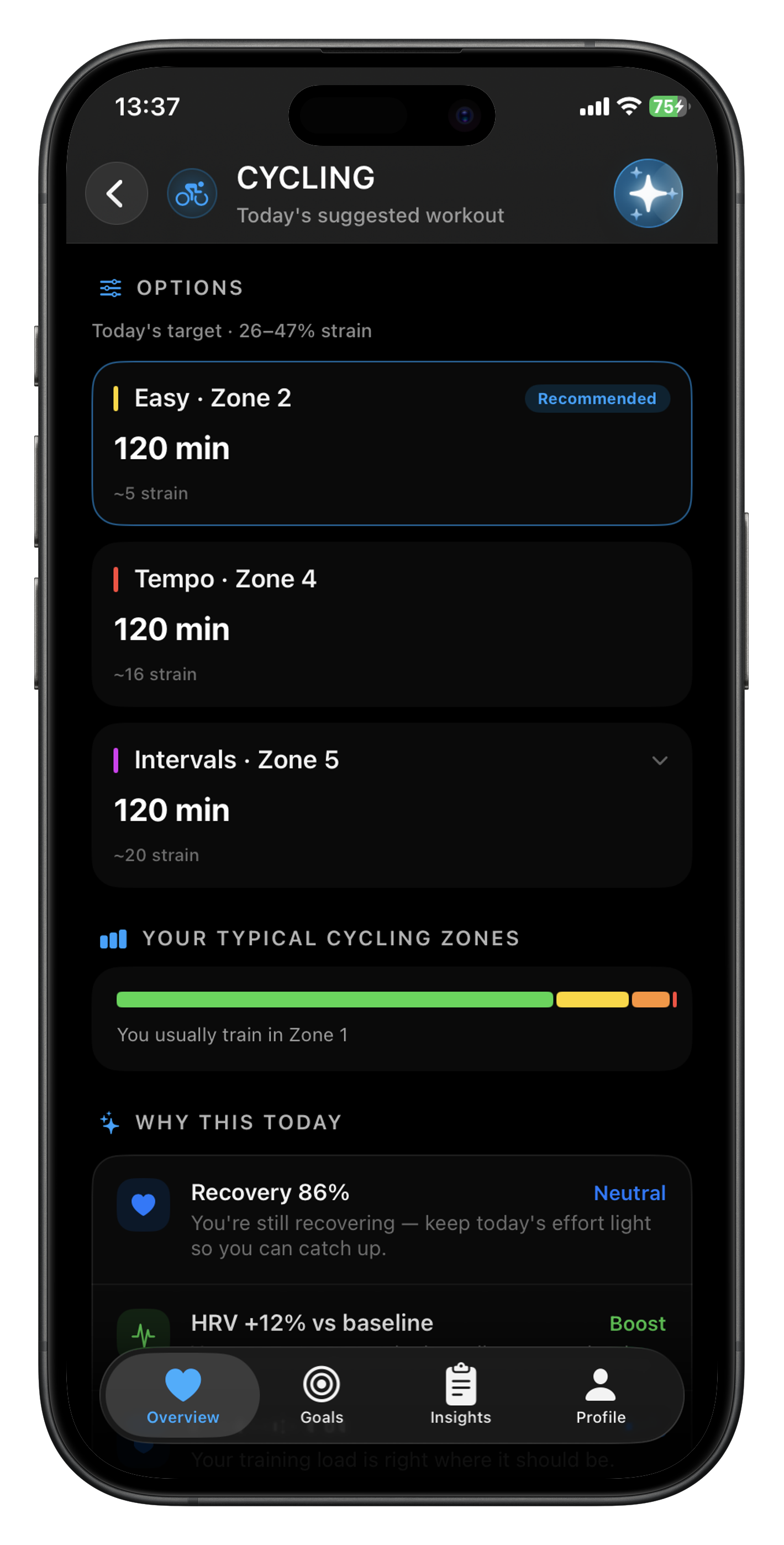
- Suggested Workouts 2.0 — Get sport-specific workout options shaped around your recovery, strain target, and usual training zones.
Improvements
Smarter Strain Targets — Daily strain targets are now recalibrated to be fairer, more goal-aware, and better aligned with your current readiness.
Nutrition and AI Coach — Your AI Coach can better understand hydration and food conversations, including water from logged beverages.
Wearable Flexibility — Garmin, Fitbit, and Oura can now stay connected at the same time.
Bug Fixes
Watch Face Complications — Complications now stay clean and readable on light watch faces, without dark background artifacts.
Journal Tags — Custom journal tags can now be edited in place without losing their linked entries.
Onboarding Flow — New users no longer receive badge and comparison prompts over the onboarding tutorial.
Wearable Connection Prompts — Fitbit and Oura connection cards now open Profile → Integrations, where setup can be completed reliably.
Suggested Workouts — Workout suggestions recover correctly after a temporary Health data read failure instead of remaining stuck in “still learning.”
Workout Suggestions — Recommendation cards no longer show contradictory “rest” and “no suggestions” messages, and can now appear from a single recent activity.
Body Weight Trends — Measurements from multiple scales on the same day are combined correctly, preventing misleading weight trends.
Livity Pro on Apple Watch — Purchasing or restoring Pro now reliably unlocks the Apple Watch app and complications.
Nutrition From Other Apps — Food logged by connected apps now refreshes Livity’s nutrition data instead of temporarily appearing empty.
Average Bedtime — Bedtimes around midnight now calculate correctly rather than displaying an incorrect daytime average.
Sleep Tracking — Morning return-to-sleep sessions are included in your main sleep, and Apple Watch sleep scores stay aligned with iPhone.
Phone, Watch, and Widget Scores — Health scores now stay consistent across your iPhone, Apple Watch, and widgets.
Badges — Tapping another badge immediately after closing a badge detail now works on the first tap; badge distances and workout awards are also more accurate.
Garmin Setup — Garmin connection prompts now take you to Integrations to finish setup.
AI Health Assistant — Chat no longer fails when an uncommon health value is unavailable or invalid.
Blood Reports — Deleted blood-report data is removed locally before the server request, preventing it from reappearing if the app closes mid-delete.
Reports and Dashboard Performance — Badge history, Overview, Fitness Age, and Insights now load faster and more reliably.
Saved Meals and Czech Sleep Labels — Editing saved meal portions correctly rescales nutrition values, and the Czech “Core” sleep-stage label is corrected.