
Google Health Explained: What the New App Does (and Whether iPhone Users Need It)

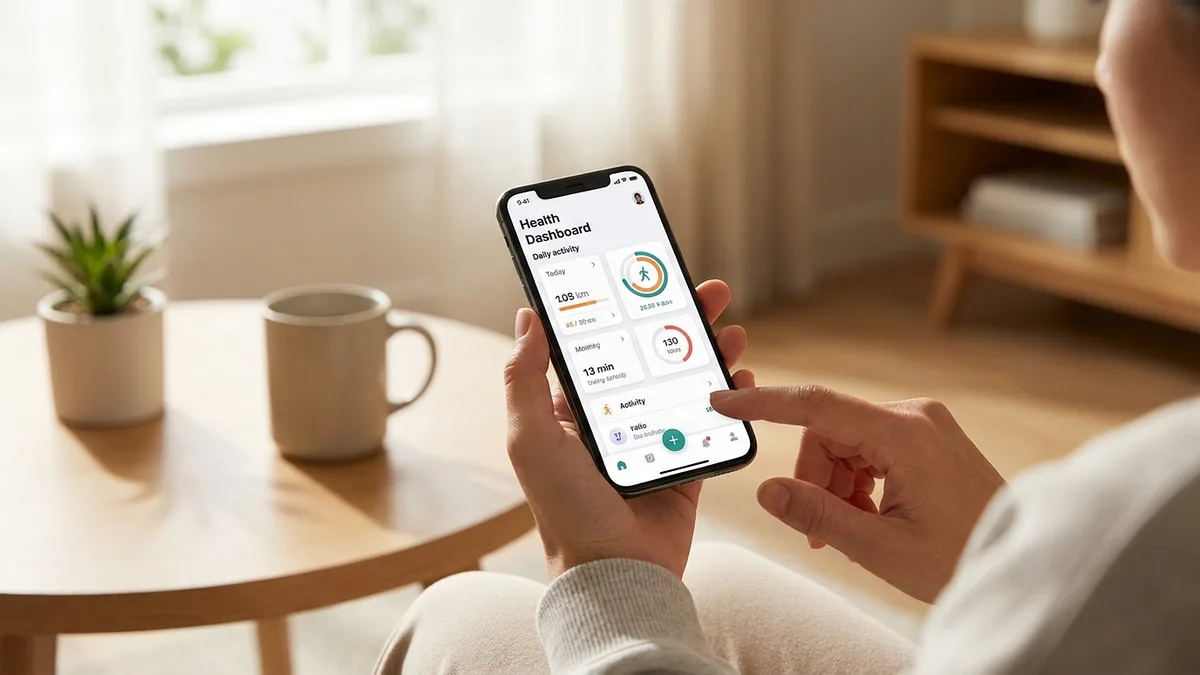
On May 19, 2026, Google quietly killed the Fitbit app. In its place: Google Health — a redesigned app with an AI coach, a $9.99/month subscription tier, and one detail iPhone users should pay attention to: it can read your Apple Health data directly into Google's cloud.
Here is what Google Health actually is, what it does well, and whether iPhone users need it.
What is Google Health?
Google Health is the rebranded, redesigned successor to the Fitbit app. It launched on May 19, 2026, and replaced the existing Fitbit app automatically for most users over the following week, per Google's official announcement.
The app does three things at once:
- Pulls together health data from multiple sources — Fitbit and Pixel Watch devices, Google's Health Connect on Android, Apple Health on iOS, and (in the US) medical records
- Adds a Gemini-powered AI coach called Google Health Coach, available to Premium subscribers
- Consolidates Google Fit — the old Google Fit app is being merged into Google Health entirely
For Fitbit users, the visible changes are mostly cosmetic: a new four-tab layout (Today, Fitness, Sleep, Health), a renamed "Resilience" score (replacing the old numeric Stress score), and a slightly cleaner interface.
The bigger story is what's happening underneath — Google is now collecting and synthesizing health data across an unprecedented number of sources, then feeding it through Gemini to deliver personalized recommendations.
Google Health Premium and the AI Health Coach
The headline feature is Google Health Coach, an AI assistant built on Gemini. According to Google's launch post, it acts as "a fitness trainer, a sleep coach, and a health and wellness advisor" — available 24/7.
What Health Coach actually does
- Natural language queries — ask "when did I last run five miles?" or "how should I adjust my day after poor sleep?" and get personalized answers based on your data
- Multimodal logging — log meals by photo, voice notes, or text (take a picture of lunch and it auto-recognizes the food)
- Personalized workout plans — adaptive recommendations based on your goals, recent training load, and recovery
- Sleep coaching — recommendations on sleep schedules, wind-down routines, and adjustments after rough nights
The price
Per TechCrunch's report, Google Health Premium costs:
- $9.99/month or $99/year (~$8.25/month annualized)
- Free for existing Google AI Pro and Google AI Ultra subscribers (it's bundled)
Basic tracking — heart rate, steps, sleep stages, HRV — works without Premium. The subscription unlocks Health Coach, "Ask Coach" natural-language queries, adaptive fitness plans, and multimodal logging.
For Fitbit Premium users, this is a small price increase from the old $9.99/month Fitbit Premium tier, but with substantially more capability.
Google Health on iPhone: the part you should know about
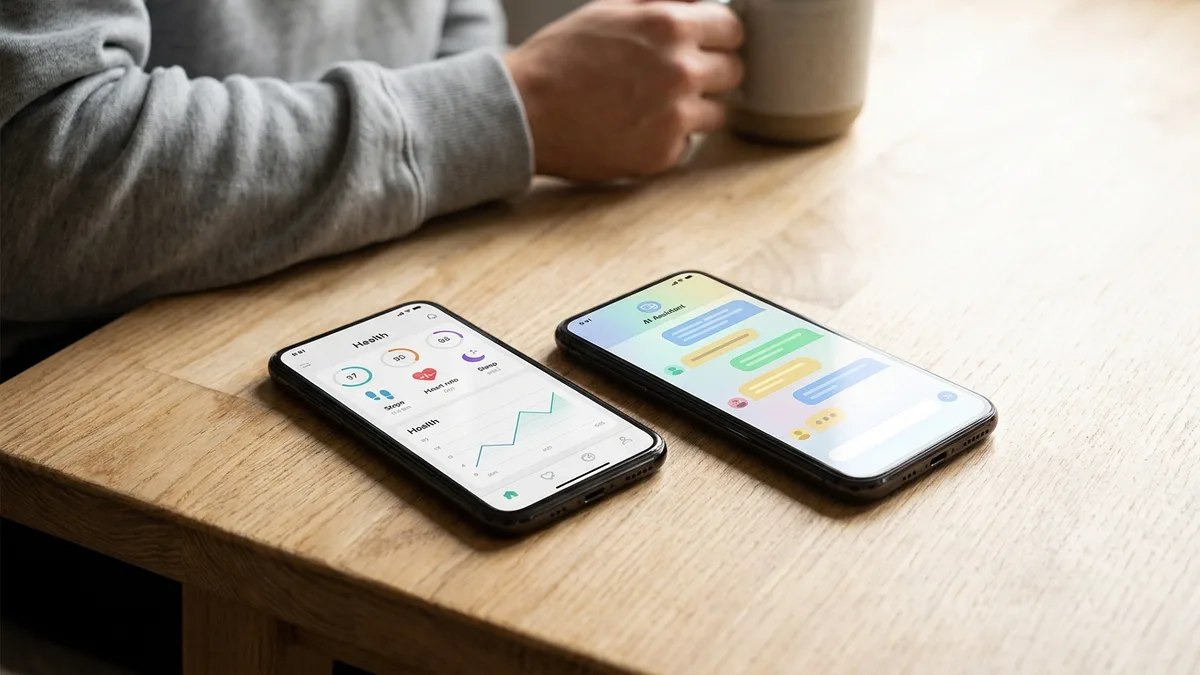
Here is the detail buried in Google's launch coverage: Google Health on iOS reads from Apple Health.
If you install Google Health on your iPhone and grant Apple Health permission (which the app will ask for), Google can pull in your existing iPhone health history — heart rate, sleep, workouts, HRV, everything Apple Health has been quietly collecting for years.
Android Headlines put it bluntly: "Google wants your iPhone data too."
This isn't unique to Google — many third-party apps read from Apple Health. The difference is what happens next. Once your data is in Google Health, it flows to Google's cloud servers to power the Health Coach AI, sync across devices, and generate insights. Apple Health, by contrast, stores your data on-device, encrypted, and never sends it anywhere unless you explicitly enable iCloud Health sync.
This is the core trade-off iPhone users need to understand before tapping "Allow":
- Apple Health alone: data stays on your iPhone, processed locally, never sent to Apple's cloud (without iCloud sync)
- Apple Health + Google Health: your iPhone data is copied to Google's cloud, processed by Gemini, used to train and personalize Health Coach
If you're an iPhone user who's chosen Apple specifically because of its privacy story, granting Google Health full read access defeats much of that protection.
📱 Livity reads your Apple Health data on-device only — no cloud, no Google account, no AI training on your heart rate. Try it free →
Google Health vs Apple Health: which should iPhone users use?
For iPhone users, this isn't really a choice between two health apps — it's a choice about where your data lives.
| Apple Health | Google Health (iOS) | |
|---|---|---|
| Works on iPhone | ✅ Native | ✅ |
| Data storage | On-device | Google cloud |
| AI coaching | ❌ (none built-in) | ✅ (Premium) |
| Apple Watch integration | ✅ Native | ✅ via Apple Health |
| Reads from Apple Health | N/A | ✅ |
| Reads from Fitbit / Pixel Watch | ❌ | ✅ |
| Subscription required | No | $9.99/mo for Coach |
| Privacy default | Local, encrypted | Cloud-based |
Google Health wins on: AI coaching, multimodal logging, cross-platform data unification (especially if you mix Fitbit + iPhone), and a polished single-app experience.
Apple Health wins on: privacy by default, no subscription, deeper integration with iOS / Apple Watch, and the broader HealthKit ecosystem of third-party apps that read locally.
If you have a Fitbit or Pixel Watch — install Google Health. It's the only way to get full functionality from those devices going forward.
If you don't — using Google Health on iPhone primarily means handing your Apple Health data to Google in exchange for an AI coach. Whether that trade is worth $9.99/month depends entirely on how much you value the privacy story you originally bought an iPhone for.
Who should use Google Health?
Good fit:
- You own a Fitbit, Pixel Watch, or the new Fitbit Air — Google Health is now the only app for those devices
- You want an AI coach and don't mind cloud-based health data
- You already subscribe to Google AI Pro / Ultra — Premium is bundled
- You use an Android phone and want a unified health platform
Skip it (iPhone users):
- You bought into Apple's ecosystem specifically for privacy
- You use Apple Health + a third-party app like Livity that processes locally — you already have everything Google Health offers without the cloud sync
- You don't want yet another subscription
- You'd rather your daily HRV not become an input to anyone's AI model
What about the Resilience score?
One change worth noting: Google replaced the old Fitbit Stress Management Score (a 1–100 number) with a new Resilience score, rated as Optimal, Balanced, or Low.
This is a smart move — research on stress measurement has consistently shown that single-number "stress scores" from wrist sensors are noisy and easy to misinterpret. A categorical scale is more honest about what the underlying data can actually tell you.
It's also similar to how Apple Health surfaces stress indirectly through HRV trends and the Mindfulness app, rather than a single composite score. If you want a numeric daily readiness number on iPhone, a third-party app like Livity or HRV4Training can derive one from Apple Health data.
FAQ
Is Google Health free?
Basic tracking is free. Google Health Coach, the AI assistant, requires Google Health Premium at $9.99/month or $99/year.
Does Google Health work on iPhone?
Yes. The Google Health app is available on iOS 16.4 or higher and syncs with Apple Health to pull in your existing data.
Is Google Health the same as Google Fit?
No — Google Fit is being merged into Google Health. The old Google Fit app is being phased out, and its data is moving into the new Google Health app.
What happened to the Fitbit app?
It became Google Health. The transition happened automatically between May 19 and May 26, 2026. Existing Fitbit users keep all their historical data.
Is my data safe in Google Health?
Your data is encrypted and Google says it won't sell it for advertising. But it is stored in Google's cloud, processed by Google's AI, and tied to your Google account. That's a fundamentally different security posture than Apple Health, which keeps data on-device by default.
Can I use Google Health without giving it Apple Health access?
Yes, but you'll lose most of its value on iPhone. Without Apple Health permission, the app has no historical data to work with, and Health Coach can't give meaningful personalized advice.
The bottom line
Google Health is a sharp, well-designed app — especially if you own a Fitbit or Pixel Watch. The AI Health Coach is genuinely useful, multimodal logging is a real productivity win, and bundling Premium into Google AI subscriptions is smart pricing.
But for iPhone users, the question isn't "is Google Health good?" — it's "do I want Google holding a copy of my Apple Health data?" That's a privacy decision masquerading as a software decision. There is no neutral answer.
If you do want AI insights from your Apple Watch data without sending it anywhere, that's exactly the gap apps like Livity fill.
Get Apple Watch Insights — Without the Cloud
Google Health Coach is impressive. But every personalized recommendation it gives you costs you a copy of your most intimate health data, stored on Google's servers, processed by Gemini.
Livity does the opposite: reads your Apple Health data on-device, derives a daily readiness score, HRV trend, sleep quality, and recovery — all without sending anything to a cloud, without a Google account, without an AI training on your heart rate. Free to try on the App Store.
Sources
- Introducing the new Google Fitbit Air and Google Health app — Google Blog, 2026
- Google Health Coach is now available to Premium users — Google Blog, 2026
- Google's $9.99-per-month AI health coach launches May 19 — TechCrunch, 2026
- Google Health replaces Fitbit app, new Premium plan — 9to5Google, 2026

iOS developer with 7+ years of experience and an active volleyball player. Built Livity after spending months looking for advanced recovery and sleep tracking that worked natively with Apple Watch — and finding nothing. Uses his own HRV, sleep, and training-load data every day to shape what Livity measures.
More from this authorStart Your Wellness Journey Today
Live Your Best Life
Join thousands of users who are already tracking their health with Livity.