
Fitbit Air Review: Is the $99 Screenless Tracker Worth It If You Have an Apple Watch?

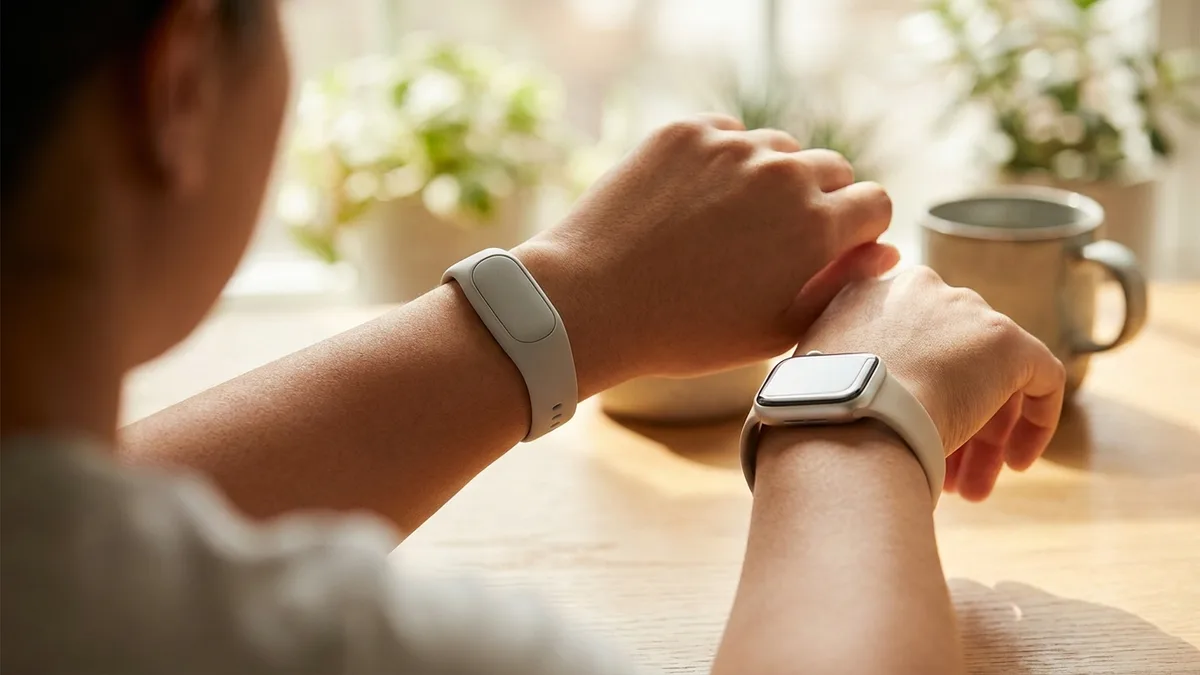
Google launched the Fitbit Air on May 7, 2026 — a screenless, pebble-sized $99 fitness tracker that's clearly aimed at one thing: stealing Whoop's lunch. It tracks heart rate, sleep, HRV, SpO2 and recovery 24/7, hides on your wrist, and runs for a week on a charge.
The interesting question isn't whether it competes with Whoop. It's whether you actually need it if you already wear an Apple Watch. Short answer: probably not — but the long answer is more interesting.
What the Fitbit Air actually is
The Fitbit Air is a screenless 24/7 health tracker — no display, no notifications, no smartwatch features. All the data lives in the Google Health app on your phone.
Here's what it tracks, per the official Google announcement and DC Rainmaker's deep dive:
- 24/7 heart rate (sampled at 2-second intervals)
- Heart rate variability (HRV) during sleep
- Sleep stages and duration
- SpO2 (blood oxygen) overnight
- Resting heart rate
- Skin temperature
- Background AFib detection (FDA-certified, but no manual ECG)
- Step count, automatic workout detection, training load, daily readiness score
What it doesn't have: no GPS, no barometer, no manual ECG, no display. If you want to track a run with proper pace and distance, your phone has to be in your pocket.
The Fitbit Air price and subscription
- $99.99 standard
- $129.99 Stephen Curry Special Edition with performance loop band
- $9.99/month for Google Health Premium (3-month trial included)
Premium unlocks Google Health Coach — Google's new AI coaching layer — plus guided workouts. The basic tracking works without a subscription, which is the big difference vs Whoop (where the strap is "free" but the $30/month membership is required forever).
Fitbit Air vs Apple Watch: do you need both?
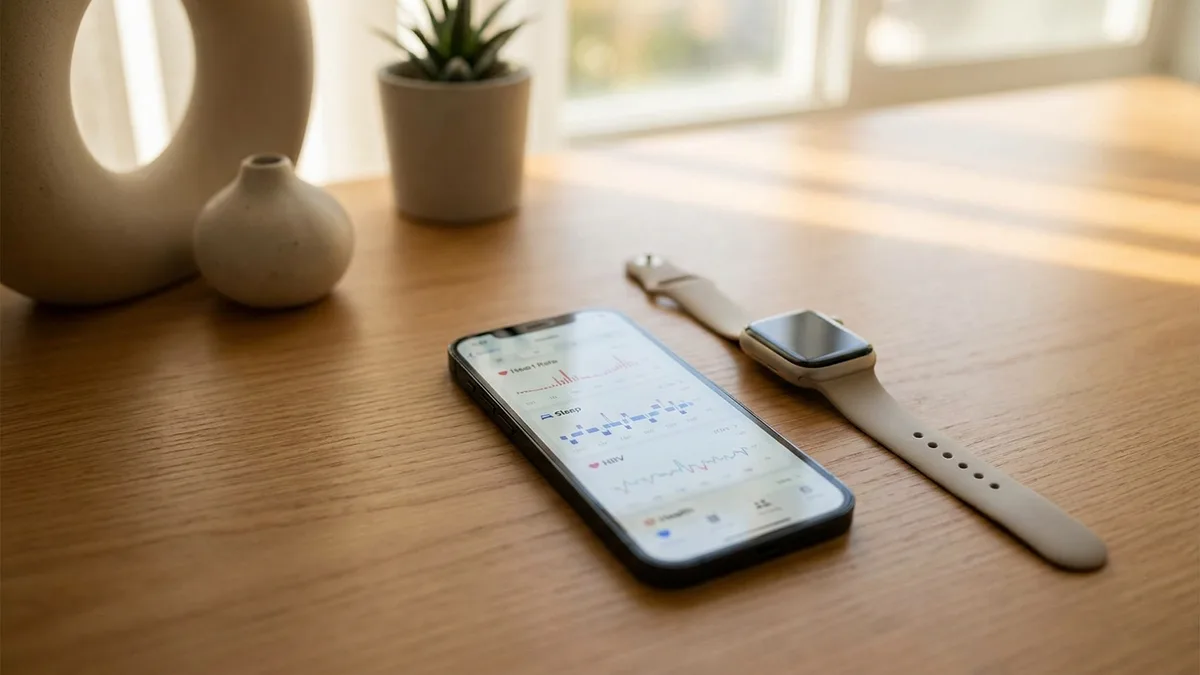
Here's the thing the Fitbit Air launch posts gloss over: the Apple Watch already tracks every single metric the Fitbit Air does.
| Metric | Fitbit Air | Apple Watch |
|---|---|---|
| 24/7 heart rate | ✅ | ✅ |
| HRV | ✅ | ✅ |
| Sleep stages | ✅ | ✅ |
| SpO2 (overnight) | ✅ | ✅ (Series 6+, varies by region) |
| Resting heart rate | ✅ | ✅ |
| Skin temperature | ✅ | ✅ (Series 8+) |
| AFib detection (passive) | ✅ | ✅ |
| Manual ECG | ❌ | ✅ |
| GPS | ❌ (phone-dependent) | ✅ (Series 2+) |
| Battery life | ~7 days | ~18–36 hours |
| Display | ❌ | ✅ |
If you already own an Apple Watch, the Fitbit Air gives you exactly one practical advantage: battery life. You can wear it to bed without thinking about charging.
That's a real benefit — Apple Watch's biggest weakness for serious sleep tracking is that it needs to charge daily. If you genuinely don't wear your watch overnight because of charging anxiety, the Fitbit Air solves that.
But you're now wearing two devices, running two apps, and paying $99 + an optional $120/year subscription to solve a charging problem. That's a lot of money compared to learning to top up your Apple Watch for 30 minutes during your morning shower.
Fitbit Air vs Whoop: who wins?
This is the comparison Google actually wants you to make. And on paper, the Fitbit Air is a brutal value play.
| Fitbit Air | Whoop 5.0 | |
|---|---|---|
| Hardware cost | $99 | $0 (bundled with subscription) |
| Subscription | Optional ($9.99/mo) | Required ($30/mo or $239/yr) |
| 1-year total cost | $99 (or $219 with Premium) | $239–$359 |
| 2-year total cost | $99 (or $339 with Premium) | $478–$718 |
| Battery | 7 days | 14 days |
| AFib detection | ✅ | ❌ |
| SpO2 | ✅ | ✅ |
| ECG | ❌ | ❌ |
Whoop's pitch has always been the recovery-first software experience and the polished athlete-grade coaching. The Fitbit Air now offers a similar concept — passive 24/7 tracking with a focus on recovery and strain — for a fraction of the cost.
For a casual user who wants Whoop-style insights without locking into a forever subscription, the Fitbit Air is the obvious pick.
📱 Livity can turn your Apple Watch or Fitbit data from Google Health into clear recovery, sleep and HRV insights — without another subscription. Try it free →
The hidden cost: your data
Here's the part the gadget reviews aren't writing about.
The Fitbit Air requires a Google Account and the Google Health app. Every heart-rate reading, sleep score, and HRV trend is sent to Google's cloud, processed by Google AI to generate your daily summaries, and folded into your overall Google profile.
This is the same Google that just shut down the standalone Fitbit app and forced everyone to migrate to Google Health — a move that, per reporting around the launch, is part of consolidating Fitbit's data infrastructure into Google's broader AI strategy.
You don't have to be a privacy maximalist to find that uncomfortable. Health data is the most intimate dataset a company can hold on you — your heart rhythms, sleep patterns, stress responses, recovery from training. It's the kind of data that, if leaked or sold, can affect insurance, employment, and ad targeting in ways step counts never could.
Compare that to the Apple Watch + Apple Health stack: your data stays on your iPhone, encrypted, never sent to Apple's cloud unless you explicitly enable iCloud Health sync. This is one of the few areas where Apple's privacy story is genuinely different — not just better marketing.
This is also why apps like Livity read directly from Apple Health on-device — no cloud, no account, no third-party server seeing your HRV.
Prefer Livity to the Google Health app? You can still use your Fitbit data
You do not have to use Google Health as your everyday dashboard. Livity can connect to your Google Health account and bring your Fitbit data into Livity, including heart rate, steps, sleep, calories and workouts. It keeps recent data in sync and uses it for Livity's recovery, sleep, HRV, stress and training insights.
That means a Fitbit Air can be the sensor on your wrist while Livity is the app you open to understand the data. Connect Google Health from Livity's integrations settings, approve the requested read permissions, and Livity handles the sync. Apple Watch users can continue to use Apple Health as usual; Fitbit users get the same Livity experience with their Google Health data.
What the Fitbit Air gets right
Let's be fair: the Fitbit Air is a smart product.
- It's tiny. A pebble that disappears on your wrist beats a chunky watch for 24/7 wear comfort.
- It's cheap. $99 with no required subscription undercuts the entire wearables category.
- It charges fast. Google's claim is "a full day of power in just five minutes" — solving the charging-anxiety problem that plagues Apple Watch sleep tracking.
- It works with iOS too. You don't need to switch to Android. iOS 16.4 or higher works fine.
- AFib detection is genuinely useful. Whoop doesn't have this. Most casual wearables don't.
For a non-iPhone user, or someone who refuses to wear a smartwatch and doesn't already have one, the Fitbit Air is the most affordable serious health tracker on the market right now.
What the Fitbit Air gets wrong
- No GPS. Phone-dependent for outdoor workout maps. If you run without your phone, you get no route, just heart rate.
- No display. Means no glance-and-go data. You have to pull out your phone to check anything.
- Locked to Google's ecosystem. No Apple Health export at launch — your data lives in Google Health, period.
- Subscription FOMO. The free tier works, but the AI coaching that gives it personality is paywalled at $9.99/month.
- Sensor on the wrist. Wrist-based optical HRV is less accurate than chest straps during movement, as the Sports Medicine literature on wrist-based HRV has consistently shown. Sleeping-night HRV is fine; daytime measurements are noisier.
Who should buy the Fitbit Air?
Good fit:
- You don't own a smartwatch and don't want to spend $400+ on an Apple Watch
- You hate wearing a watch in bed and want passive 24/7 metrics
- You're considering Whoop but balk at the $30/month forever
Skip it:
- You already wear an Apple Watch and do not need Fitbit's longer battery life — you'd be paying for redundant tracking
- You run or cycle outdoors and want native GPS
- You care about who holds your health data
- You don't want yet another subscription nudge
FAQ
Does Fitbit Air work with iPhone?
Yes — the Fitbit Air supports iOS 16.4 or higher. But all data is routed through Google Health, not Apple Health. There's no native Apple Health integration at launch.
Do you need the Google Health Premium subscription?
No. Basic tracking — heart rate, sleep, HRV, SpO2, AFib — works without Premium. The $9.99/month subscription unlocks Google Health Coach and guided workouts.
How accurate is the Fitbit Air for HRV?
Roughly equivalent to other wrist-based optical sensors (Apple Watch, Whoop, Oura Ring). Good for trend tracking over weeks, less reliable than a chest strap for a single morning reading.
Can the Fitbit Air replace an Apple Watch?
Not really. It tracks similar metrics but has no display, no GPS, no apps, no notifications. It's a sensor in a band, not a smartwatch. If you want quick glance data or workout features, the Apple Watch wins.
Is Fitbit Air a Whoop killer?
For value, yes. For brand loyalty and the polished recovery-coaching experience, Whoop fans probably stay. For everyone else weighing $239/year for Whoop vs $99 once for Fitbit Air, the math is hard to argue with.
The bottom line
The Fitbit Air is a smart, affordable entry into the screenless tracker space. If you don't already wear something on your wrist 24/7, it's an easy recommendation at $99.
But if you already own an Apple Watch, you probably don't need it. The watch on your wrist already tracks every single metric the Fitbit Air ships — and its data stays in Apple Health. What you actually need is software that surfaces what your Apple Watch already collects: HRV trends, sleep quality, recovery score, training load.
That's a much cheaper problem to solve.
Get Whoop-Style Insights From Your Apple Watch
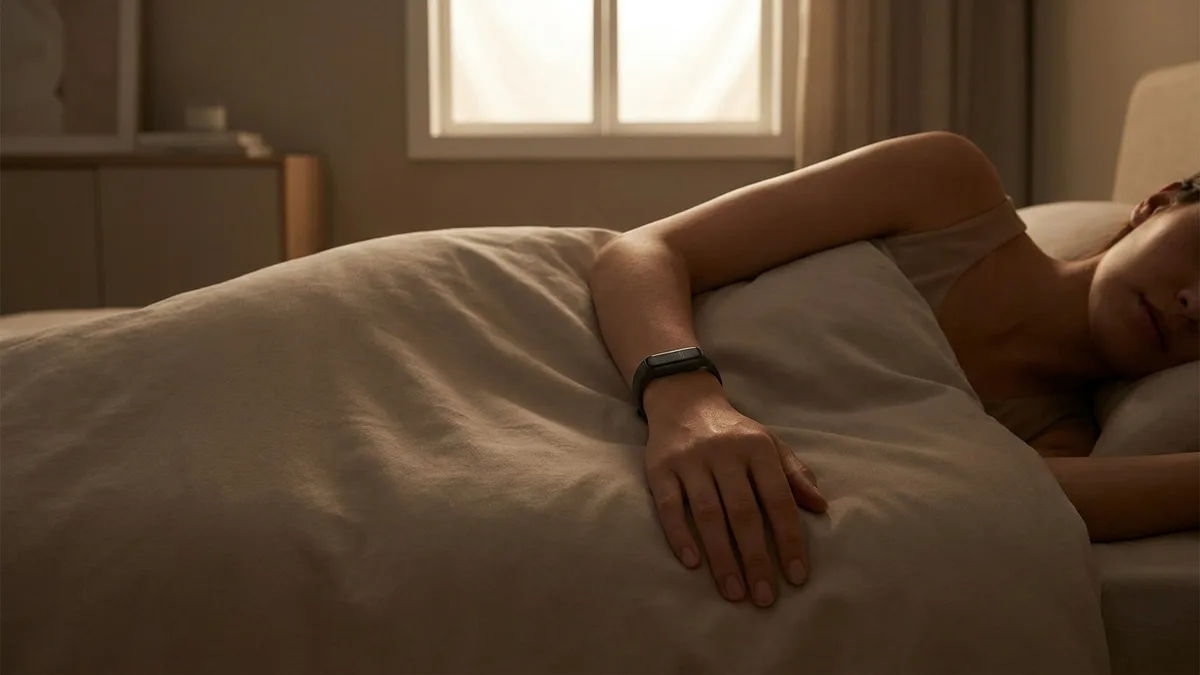
You don't need a Fitbit Air, a Whoop strap, or an Oura ring to get serious recovery, HRV, and sleep insights. Your Apple Watch already captures the data — and if you use Fitbit, Livity can also connect to Google Health and use your Fitbit data.
Livity turns your Apple Health or connected Google Health (Fitbit) data into a daily readiness score, HRV trend, sleep stages, training load and stress insights — without a $30/month subscription. Free to try on the App Store.
Sources
- Introducing the new Google Fitbit Air — Google Blog, 2026
- The $99 Fitbit Air (Whoop Competitor): Everything You Need to Know — DC Rainmaker, 2026
- Google announces $99 Fitbit Air for screen-less, all-day tracking — 9to5Google, 2026

iOS developer with 7+ years of experience and an active volleyball player. Built Livity after spending months looking for advanced recovery and sleep tracking that worked natively with Apple Watch — and finding nothing. Uses his own HRV, sleep, and training-load data every day to shape what Livity measures.
More from this authorStart Your Wellness Journey Today
Live Your Best Life
Join thousands of users who are already tracking their health with Livity.