
How to Track Recovery on Apple Watch (2026 Guide)

How to Track Recovery on Apple Watch (2026 Guide)
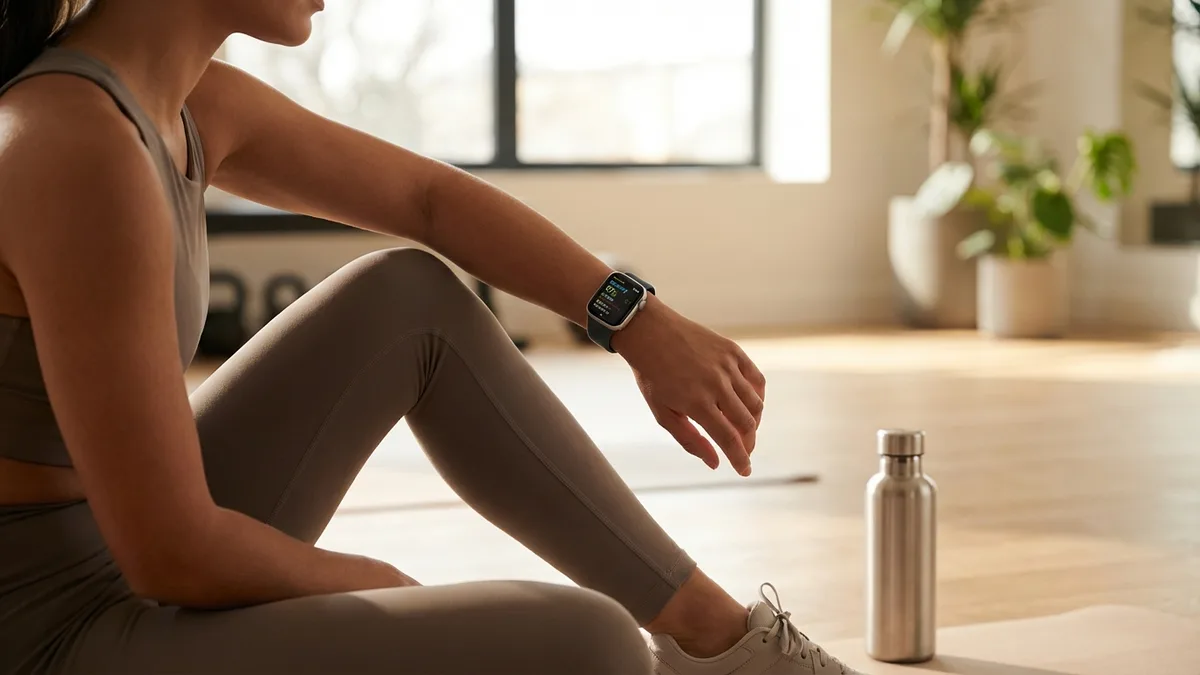
You finished a hard workout yesterday. Your legs are sore. You slept okay — maybe. Should you hit the gym again or take a rest day?
This is the question recovery tracking answers. And your Apple Watch already has every sensor needed to answer it — you just might not be using them yet.
Recovery tracking used to require expensive wearables with monthly subscriptions. In 2026, your Apple Watch can do it for free. Here's how.
What Is Recovery Tracking?
Recovery tracking measures how well your body has bounced back from physical stress, poor sleep, or daily strain. Instead of guessing whether you're ready to train, you get an objective number based on what your body is actually doing.
A recovery score typically combines three key signals:
- Heart rate variability (HRV) — the gold standard for recovery. Higher HRV means your nervous system is relaxed and recovered. Lower HRV means your body is still under stress.
- Resting heart rate — a lower resting heart rate generally indicates better cardiovascular fitness and recovery. When it spikes above your baseline, something is off — poor sleep, illness, overtraining, or stress.
- Sleep quality — not just how long you slept, but how much deep and REM sleep you got. These are the stages where physical repair and memory consolidation happen.
When these three signals align positively — high HRV, low resting heart rate, solid sleep — you're recovered. When they don't, your body is telling you to back off.
Why Recovery Tracking Matters
Training without tracking recovery is like driving without a fuel gauge. You might feel fine, but your body could be running on empty.
Research backs this up. A 2023 study published in Sports Medicine found that athletes who adjusted training intensity based on daily HRV measurements improved performance significantly more than those following fixed training plans.
Here's what recovery tracking helps you avoid:
- Overtraining — pushing too hard when your body hasn't recovered leads to plateaus, injuries, and burnout. A low recovery score is your signal to ease up.
- Undertraining — on the flip side, taking rest days when you're fully recovered means leaving gains on the table. High recovery = green light to push.
- Getting sick — a dropping HRV trend over 3–5 days often predicts illness 48 hours before symptoms appear. Multiple studies have shown this pattern with wearable data.
- Ignoring sleep debt — one bad night might not matter, but three in a row will crush your recovery. Tracking shows you the trend, not just the single night.
What Your Apple Watch Already Tracks
Your Apple Watch has been quietly collecting recovery-relevant data every night. Here's what's built in with watchOS 26:
Heart Rate Variability (HRV) — Measured automatically during sleep. Apple Watch records HRV using the optical heart rate sensor and stores it in Apple Health. This is the same type of measurement that dedicated recovery devices use.
Resting Heart Rate — Tracked continuously throughout the day, with the overnight resting rate being the most useful for recovery assessment.
Sleep Stages — REM, deep, and core sleep, detected using heart rate and accelerometer data. Deep sleep is especially important for physical recovery.
Sleep Score — Introduced in watchOS 26, this 0–100 score combines sleep duration (50 points), bedtime consistency (30 points), and interruptions (20 points).
Training Load — Also new in watchOS 26, this tracks the cumulative cardiovascular impact of your workouts over the past 7 and 28 days, flagging when you're overreaching.
Respiratory Rate — Measured during sleep, spikes can indicate illness or extreme fatigue.
Wrist Temperature — Available on Series 8 and newer, deviations from your baseline can signal illness, hormonal changes, or recovery disruption.

The Missing Piece: A Unified Recovery Score
Apple gives you all the raw data, but it doesn't give you the one thing that matters most: a single recovery score that tells you whether to train or rest.
Your HRV is in the Health app. Your sleep score is in the Sleep app. Your training load is in the Fitness app. Your heart rate is somewhere else. None of these apps talk to each other, and none of them say: "Based on everything we measured last night, you're at 72% recovery — go for a moderate workout."
That's the gap. Your Apple Watch has the sensors. It has the data. But you need something to connect the dots.
📱 Livity connects all your Apple Watch health data into a single daily recovery score — plus body battery, stress tracking, and fitness age. No extra hardware needed. Try it free →
How to Get a Recovery Score on Your Apple Watch
Here's how to set up proper recovery tracking with your Apple Watch:
Step 1: Wear Your Apple Watch to Bed
This is non-negotiable. Recovery tracking depends on overnight data — HRV, resting heart rate, sleep stages, and temperature are all measured while you sleep.
Tips for comfortable sleep tracking:
- Use Sleep Focus mode to dim the screen and silence notifications
- Charge your watch for 30 minutes before bed (it only needs about 30% battery to track a full night)
- Wear the band snug but not tight — two fingers should fit under the strap
Step 2: Enable All Health Sensors
Go to Settings > Privacy & Security > Health on your Apple Watch and make sure these are enabled:
- Heart Rate
- Heart Rate Variability
- Sleep Tracking
- Blood Oxygen (if available)
- Wrist Temperature (if available)
Step 3: Use an App That Calculates Recovery
Apple Watch doesn't generate a recovery score natively. You need a companion app that reads your Apple Health data and calculates a daily recovery score from your HRV, heart rate, and sleep metrics.
Livity does exactly this. It pulls your overnight data and gives you:
- Recovery score — a daily 0–100 readiness number. Below 33 = rest. 33–66 = moderate. Above 66 = go hard.
- Body battery — a real-time energy level that shows how stress and activity drain you throughout the day, and how rest recharges you.
- HRV trend — not just last night's number, but your 7-day and 30-day trend. A single low HRV night doesn't matter much. A 5-day downward trend is a red flag.
- Sleep analysis — how much deep and REM sleep you got, plus trends over time.
- Stress monitoring — real-time stress levels based on HRV and heart rate patterns.
- Fitness age — how your cardiovascular fitness compares to your age group.
Everything stays on your device. No account, no cloud, no data sharing.
How to Use Your Recovery Score
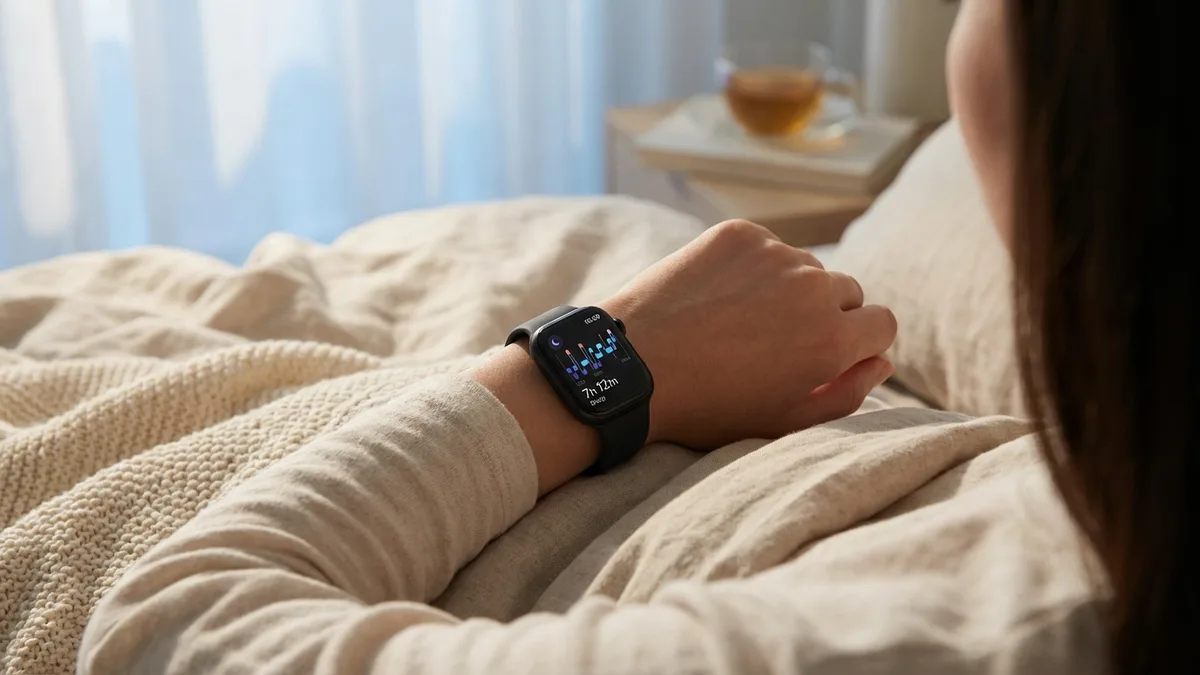
A recovery score is only useful if you act on it. Here's a simple framework:
High recovery (67–100%): Your body is fully recovered. This is the day to push — heavy lifts, high-intensity intervals, long runs, or competitive sessions. Your nervous system can handle the stress.
Moderate recovery (34–66%): You're not fully recovered, but you're not depleted either. Go for moderate-intensity work — steady-state cardio, technique practice, lighter weights with higher reps. Avoid maximal efforts.
Low recovery (0–33%): Your body is telling you to back off. This doesn't necessarily mean full rest — active recovery like walking, yoga, stretching, or a light swim can actually help. But skip anything that spikes your heart rate above zone 3.
Recovery Patterns to Watch For
Gradual decline over 3–5 days — You're accumulating fatigue faster than you're recovering. Common causes: too many hard sessions in a row, poor sleep consistency, or high life stress. Reduce training volume until HRV stabilizes.
Single low day after a hard workout — Completely normal. Your body is adapting. If recovery bounces back the next day, you're fine.
Consistently low despite rest — This can signal overtraining syndrome, illness, or chronic stress. If your recovery stays below 33% for a week despite sleeping well and reducing training, consider seeing a doctor.
Higher recovery on weekends — If this is your pattern, your weekday stress (work, poor sleep, skipped meals) is limiting your fitness gains more than your training program.
Frequently Asked Questions
Does Apple Watch have a recovery score? Not natively. Apple Watch tracks all the inputs needed for recovery — HRV, resting heart rate, sleep stages, and training load — but doesn't combine them into a single recovery score. You need a companion app to do that.
Is Apple Watch accurate enough for recovery tracking? Yes. A 2026 validation study found that Apple Watch HRV measurements are within 10 milliseconds of clinical ECG readings — accurate enough to guide daily training decisions. For recovery tracking, consistency matters more than absolute precision, and Apple Watch delivers both.
Do I need to wear my Apple Watch to bed? For recovery tracking, yes. HRV and resting heart rate are most accurate when measured during sleep, specifically during deep sleep phases. Without overnight data, any recovery score would be a guess.
How long does it take to get reliable recovery data? You'll see your first recovery score after one night. But the real value comes after 7–14 days, when the app has enough data to establish your personal baseline. Recovery is relative — what matters is your trend compared to your own norm, not a universal number.
Can recovery tracking prevent injuries? It can help. Research shows that low HRV and elevated resting heart rate correlate with increased injury risk in athletes. A consistently low recovery score is an early warning sign that your body needs more rest before something breaks down.
Start Tracking Recovery on Your Apple Watch Today
Your Apple Watch is already measuring everything you need — HRV, heart rate, sleep stages, and training load. The only thing missing is an app that connects the dots.
Livity turns your Apple Watch data into a daily recovery score, body battery, and stress tracker — so you know exactly when to push and when to rest. No extra hardware, no subscription, no data leaving your device. Free to try on the App Store.

iOS developer with 7+ years of experience and an active volleyball player. Built Livity after spending months looking for advanced recovery and sleep tracking that worked natively with Apple Watch — and finding nothing. Uses his own HRV, sleep, and training-load data every day to shape what Livity measures.
More from this authorStart Your Wellness Journey Today
Live Your Best Life
Join thousands of users who are already tracking their health with Livity.